

Charts & Visualizations in Kommon Poll
Use chart categories and controls to analyze mentions, reach, sentiment, topics, authors, domains, CTAs, images, demographics, and competitors.



# Charts & Visualizations in Kommon Poll
Use charts and visualizations to analyze mentions, sentiment, reach, topics, authors, demographics, competitors, and other key insights.
Kommon Poll provides a wide range of charts and visualizations to help you understand conversation trends, audience behavior, sentiment, influence, and campaign performance.
# Main Chart Types
Mention Trend and Count Charts
These charts show how conversation volume changes over time.
Includes:
- Mention Count Chart
- Social Mention Count Chart
- Non-Social Mention Count Chart
- Mentions by Source
- Mentions by Source Over Time
- Mention Time Distribution Heatmap
These charts help you identify spikes in activity, seasonal trends, campaign performance, and changes in conversation volume.
Influence and Reach Charts
These charts measure the scale and impact of conversations.
Includes:
- Influence Score Trend
- Average Influence Score
- Social Reach Chart
- Average Social Reach
Use these charts to understand how influential your mentions are and estimate the potential audience reached.
Sentiment Analysis Charts
These charts help identify how opinions change over time.
Includes:
- Sentiment Polarity Chart
- Sentiment Subjectivity Chart
- Sentiment Subjectivity Over Time
- Sentiment Trends by Source
- Sentiment Distribution Bubble Chart
- Overall Sentiment Count Chart
These visualizations help monitor public perception and identify positive, neutral, and negative conversation trends.
Mention Analysis Charts
Mention Analysis provides operational breakdowns of collected mentions.
Includes:
- Mentions by Domain
- Post Type Distribution
- CTA Type Distribution
- Mention Time Distribution
- Author Analysis
- Emoji Analysis
- Hashtag Analysis
- Key Phrase Analysis
Use Post Type charts to compare articles, posts, comments, reviews, videos, and other content types.
Use CTA Type charts to understand the types of calls-to-action appearing within collected content.
Topic, Keyword, Hashtag and Emoji Charts
These charts help identify themes and conversation signals.
Includes:
- Emoji Word Cloud
- Emoji Frequency
- Hashtag Word Cloud
- Mentions by Hashtag
- Influence by Hashtag
- Hashtag Trends
- Keyword Trends
- Key Phrase Word Cloud
- Named Entity Charts
Use these charts to discover recurring themes, trending hashtags, commonly used keywords, and important entities mentioned in conversations.
Author and Domain Charts
These charts identify the people, pages, and websites driving conversations.
Includes:
- Authors Pie Chart
- Selective Authors Chart
- Authors Table
- Mentions by Domain
- Active Domains
These charts help identify influential authors and the platforms or websites generating the most discussion.
Demographic Charts
These charts summarize audience characteristics.
Includes:
- Mention Heatmap
- Polarity Heatmap
- Country of Mention
- Sentiment by Country
- Nationalities
- Languages
- Business vs Individuals
- Population Pyramid
- Education
- Job Types
- Income
- Job Rank
Demographic data availability depends on platform permissions and available metadata.
Image Analysis
Image Analysis identifies visual information extracted from collected media.
This includes image-related insights such as detected logos, objects, image descriptions, and other available visual metadata.
Competitor Analysis Charts
Competitor Analysis compares your monitored brand with competitor searches.
Includes:
- Competitor Mention Count Trend
- Competitor Influence Score Trend
- Competitor Social Reach Trend
- Competitor Sentiment Bubble Chart
- Platform Mention Distribution
- Share of Voice
These charts help benchmark your brand's performance against competitors across multiple metrics.
# Chart Interaction Features
Most charts include interactive controls that help you understand the visualization, explore the data, change how results are displayed, and export chart information.
Chart Information
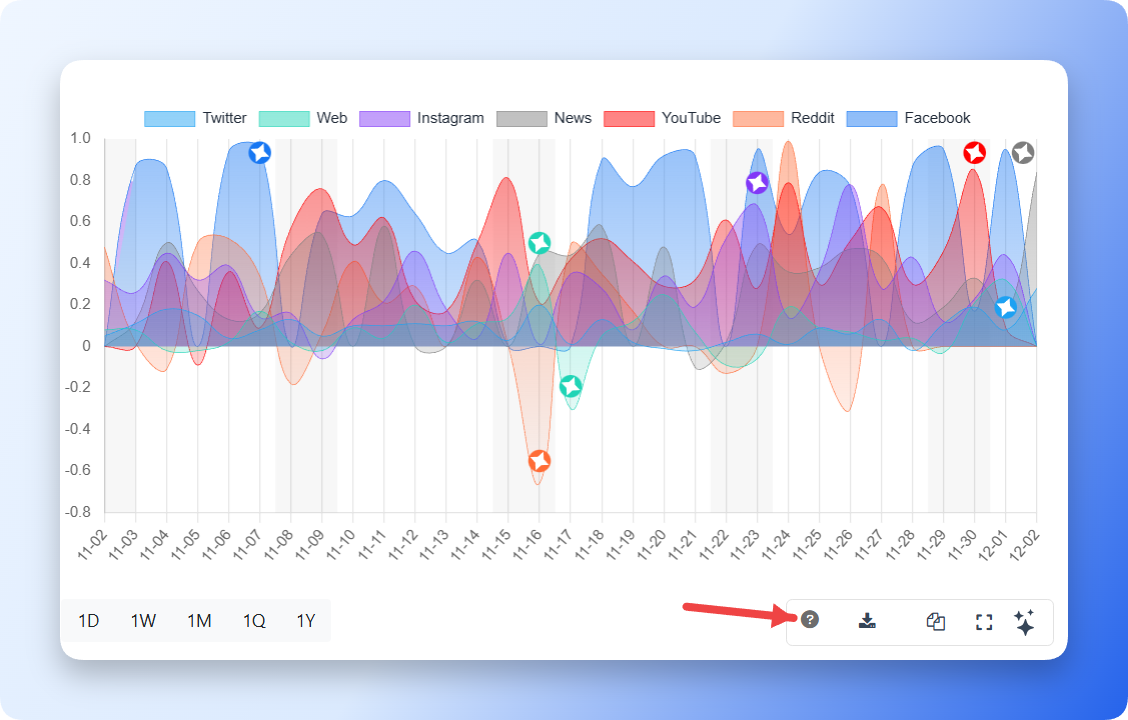
Each chart includes an Info (?) button.
Clicking this button displays a short explanation describing what the chart shows and how to interpret it. Depending on the visualization, the information panel may include:
- What the chart measures.
- What each axis represents.
- How the displayed values are calculated.
- What the legend or colors represent.
- When the chart is most useful.
This helps users quickly understand the purpose of the visualization before analyzing the data.
Group By
Most time-based charts include a Group by option.
This allows you to change how data is grouped across the selected date range without changing the underlying data.
| Group By | Description | Example |
|---|---|---|
| Daily | Displays one value for each day in the selected date range. | A 30-day report displays approximately 30 daily values. |
| Weekly | Groups data into weekly intervals. | A three-month report displays one value for each week. |
| Monthly | Groups data by calendar month. | A one-year report displays one value per month. |
| Quarterly | Groups data into three-month periods. | Useful for quarterly business reporting. |
| Yearly | Groups data by year. | Useful for long-term trend analysis. |
Choose the grouping that best fits your reporting period.
Table View
Most charts can also be displayed as a table.
Select the Table View icon to switch from the chart to a table containing the same underlying data.
Table View makes it easier to:
- Review exact values.
- Compare categories.
- Sort information.
- Copy values for reports.
- Export numerical data.
For example, a Mention Count Trend chart can be displayed as:
| Date | Mention Count |
|---|---|
| 2025-07-21 | 156 |
| 2025-07-22 | 184 |
| 2025-07-23 | 203 |
| 2025-07-24 | 191 |
Many charts support Table View, including:
- Mention Trends
- Sentiment Analysis
- Platform Distribution
- Domain Analysis
- Author Analysis
- Country Analysis
- Language Analysis
- Hashtag Analysis
- Keyword Analysis
- Competitor Analysis
The table always represents the same data currently displayed in the chart.
Download
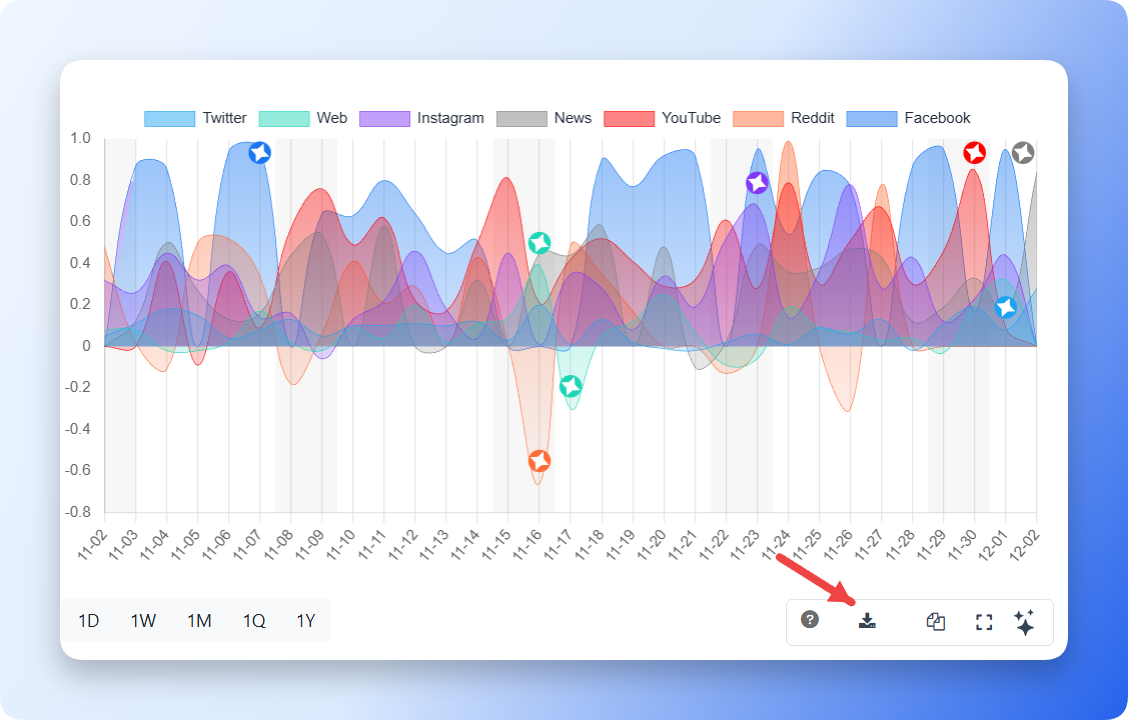
Downloads the current chart as an image for reports, presentations, or offline analysis.
Where supported, table data can also be exported for further analysis.
Copy
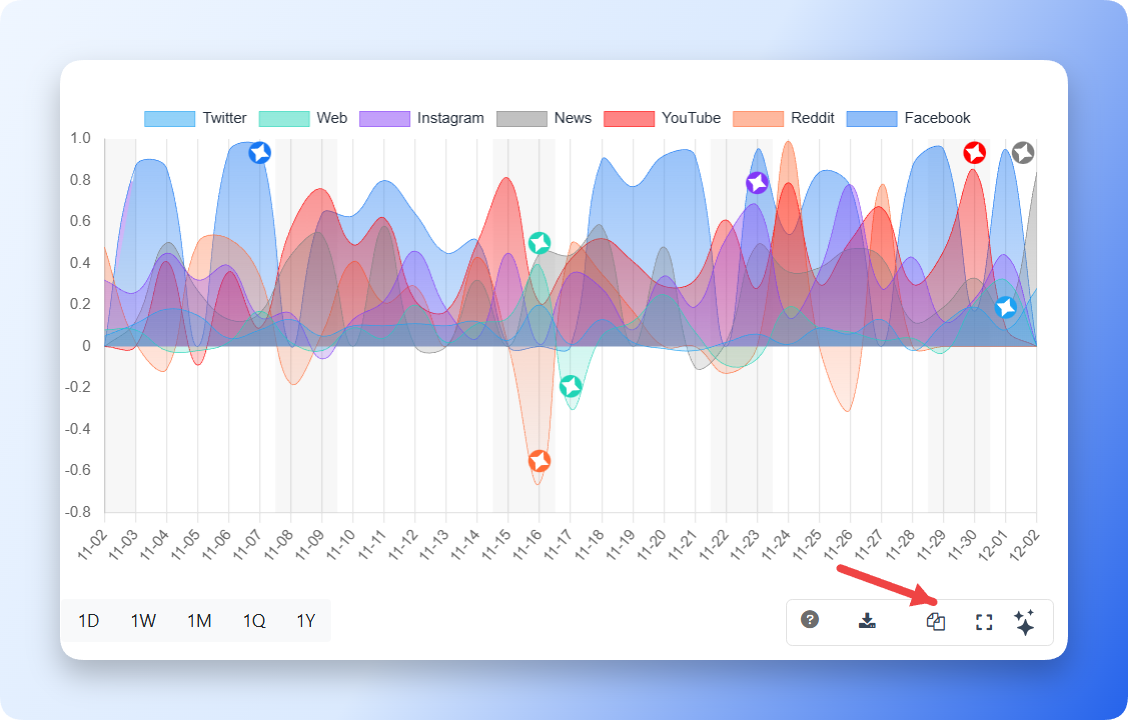
Copies the current chart directly to your clipboard so it can be pasted into documents, presentations, emails, or other applications.
Expand
Opens the chart in a larger popup window for easier viewing of labels, legends, and detailed datasets.
Expanded view is especially useful for charts with many categories or longer date ranges.
Legend Toggle
Supported charts allow you to show or hide the legend.
This makes it easier to focus on individual data series or compare multiple metrics within the same visualization.
Kommon Poll AI Insight
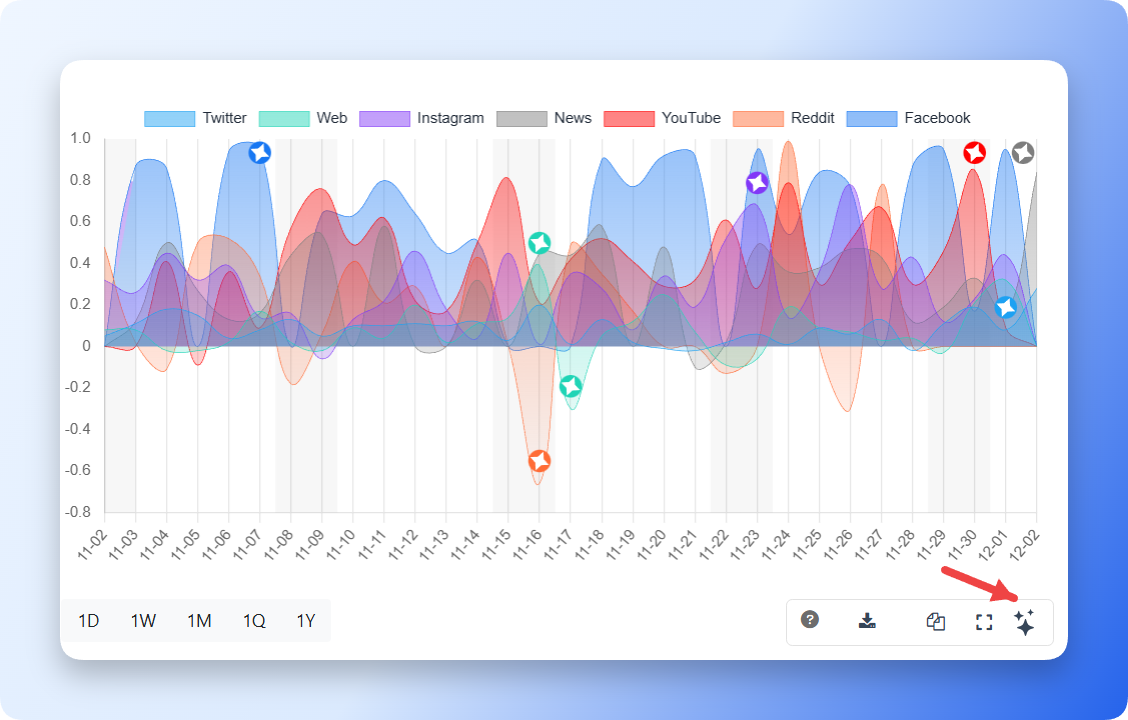
The Kommon Poll AI Insight button is available on supported charts.
AI analyzes the currently displayed chart and automatically summarizes:
- Significant trends
- Activity spikes
- Notable increases or decreases
- Patterns over time
- Key observations
This helps users quickly understand important insights without manually reviewing every data point.
# Priority and Scam Analysis
Priority and Scam indicators appear primarily on mention cards and through available filters.
Use these indicators to quickly identify:
- High-priority mentions
- Scam-related content
- High-risk conversations requiring immediate attention
Priority and Scam filters can also be applied when exporting or reviewing mention lists.
# Summary
Kommon Poll provides a comprehensive collection of charts for monitoring conversation trends, measuring reach and influence, understanding sentiment, identifying authors and domains, discovering keywords and hashtags, analyzing demographics, reviewing image insights, and comparing competitor performance.
Interactive features-including Chart Information, Group By, Table View, Download, Copy, Expand, Legend Toggle, and Kommon Poll AI Insight-make it easy to understand, explore, export, and share your analysis.